
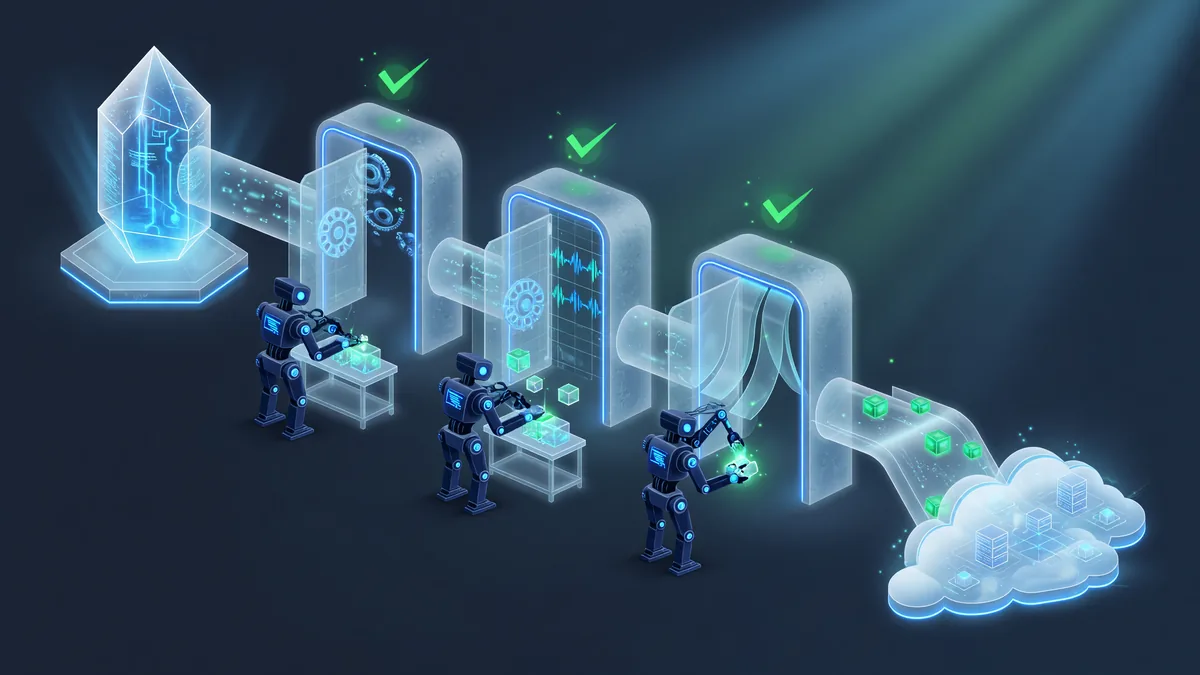
Azure DevOps is Microsoft’s end-to-end platform for planning, building, testing and releasing software. This series follows the AZ-400 (DevOps Engineer Expert) outline and shows every feature in a real organization you create yourself.
It opens with the certification map, SDLC methodologies and Agile vocabulary, then builds your organization: projects, process templates, users, permissions, teams and Microsoft Entra ID (Azure AD) integration. Azure Boards labs teach backlogs, sprints and work-item tracking.
The core of the series is delivery: Azure Repos and Git, classic and YAML pipelines, CI/CD from GitHub, Microsoft-hosted versus self-hosted agents (the self-hosted agent lesson is one of the most detailed on the site), Jenkins integration, ARM templates for infrastructure, and release pipelines with a Web App and approval gates.
The closing chapters cover Azure Monitor: metrics, activity logs and alerts. Screenshots follow the current Azure portal; where Microsoft renamed a service, both names are given.
How to use this hub. Lessons are ordered as a learning path: start at 01 and follow the arrows, or jump to any chapter. 33 lessons, free, no account required.
Learning path
Certification, methodology and vocabulary
- Azure DevOps certification details (AZ-400)
- Azure DevOps certification — overview
- Azure DevOps introduction
- SDLC methodologies
- Azure DevOps — what it is
- Azure DevOps tools
- Agile terminology
Organization, projects and identity
- Azure project processes
- Organization and its configuration
- Azure projects
- Azure Active Directory (Microsoft Entra ID)
- Add Azure AD users
- Add users and set permissions
- Project teams
Azure Boards
Repos and Pipelines
- Azure Repos
- CI/CD pipeline concepts
- Azure Pipelines
- Azure Pipeline using GitHub
- Microsoft-hosted agents
- Self-hosted agents
- Jenkins with Azure Repos
- ARM templates
Release pipelines
- Azure release pipeline
- Release pipelines — overview
- Release pipeline with Web App and approval gates